[docs]
Widgets
Put your limits on the desktop or in Notification Center, where you can see them without opening anything.
| [widget] | [shows] | [sizes] |
|---|---|---|
Usage | One provider’s limits, burn pace and resets. | Small, medium, large |
Overview | Every connected provider, closest to running out first. | Medium, large |
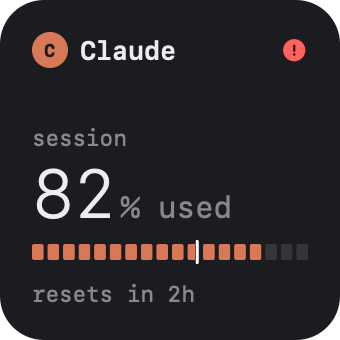
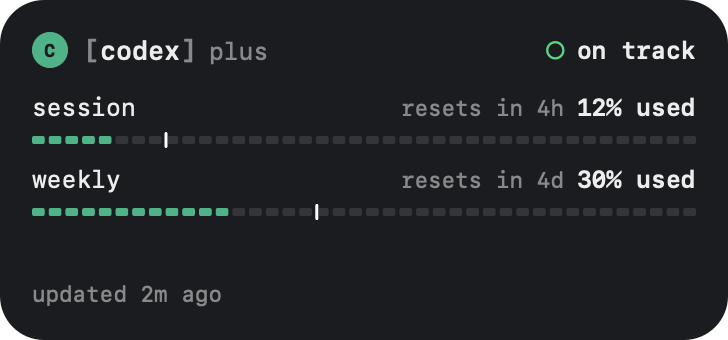
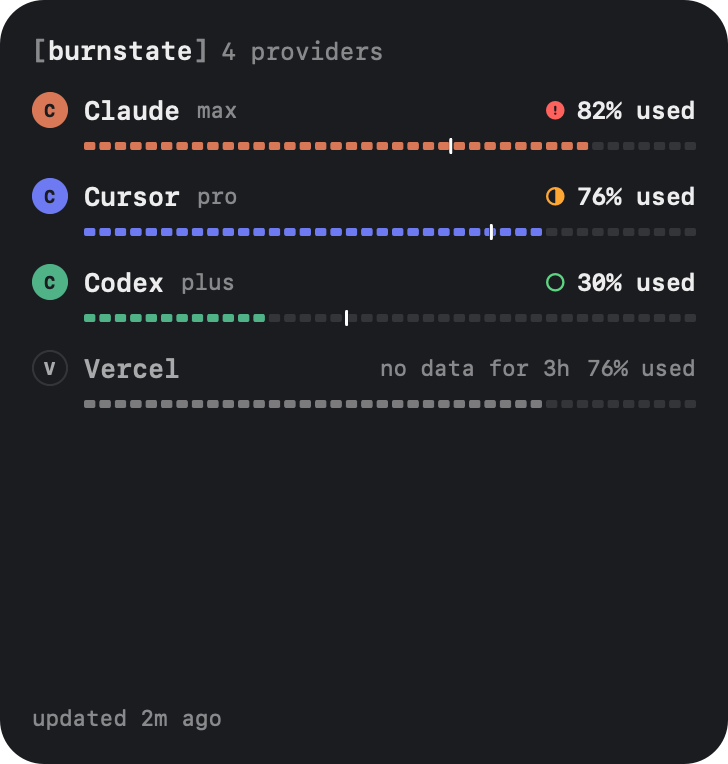
Edit widgets
Control-click the desktop and choose Edit Widgets, or open Notification Center and select Edit Widgets at the bottom.
Find Burnstate
Search for Burnstate, pick Usage or Overview, choose a size, and drag it where you want it.
Choose the provider
Control-click a Usage widget and choose Edit “Usage”. Provider starts on automatic, which follows the provider in your menu bar, or the one closest to its limit when the menu bar shows Ember alone.
Widgets show left or used the way the panel does, and refresh with it. Change both in Settings. Until a provider is connected, a widget says connect a provider from the menu bar.